|

|
|
|
|  Our Products Our Products | |
Components for Delphi, C++Builder, Lazarus

TRichView
Components for displaying, editing and printing rich text documents with support for tables, images, hyperlinks, and more.
VCL. FireMonkey for all platforms. Lazarus for Windows and Linux.
    

ScaleRichView
WYSIWYG text editor component with support for scalable, paged document editing. TRichView add-on.
VCL, Lazarus for Windows

ReportWorkshop
Reporting tool for generating richly formatted documents. TRichView add-on.
VCL. FireMonkey for all platforms. Lazarus for Windows.

RVMedia
Components for capturing, streaming, and recording video – with support for webcams, IP cameras, screen sharing, and video chats.
VCL. FireMonkey для Windows, Linux и macOS. Lazarus для Windows и Linux.
Download trial versions
TRichView demos
RVMedia demos
 News News
|

April 17, 2025:
What’s new in this update:
- Copy and paste support for Markdown via the clipboard
- Ability to extend editor functionality by replacing item classes used in documents
- Support for the 64-bit Delphi IDE (RAD Studio 12.3)
Forum Blog
|

April 10, 2025:
Main changes:
- UDP streaming with FFmpeg
- improved error handling with detailed codes and messages
- Support for the 64-bit Delphi IDE (RAD Studio 12.3)
See the complete list of changes.
Forum Blog
|

February 12, 2025:
Main changes:
- Support for the Linux platform in Lazarus has been added to RichViewActions
- Support for the Linux platform in Lazarus has been added to TRichView+VirtualTree integration
- Changes for improved cross-platform compatibility
Forum Blog
|

December 23, 2024:
Main changes:
- added support for Linux platform in Lazarus
- added the ability to read and save equations in HTML and DocX files (with use of the commercial version of Adit Math Engine)
- improved dark mode support
- added support for the 64-bit Windows modern platform in C++Builder 12.1+
See the complete list of changes.
Forum Blog
|

November 18, 2024:
Main changes:
- added support for the macOS FireMonkey platform
- upgraded to FFmpeg 7 while retaining compatibility with older versions
- introduced video remuxing capabilities using FFmpeg, allowing video and audio streams to be saved without re-encoding
- enabled integration with special FFmpeg video sources
- added support for RNNoise, a free cross-platform library for audio noise suppression
- introduced compatibility with Mobotix IP cameras
- added new helper functions to enhance screen sharing
- improved large file transfer capabilities via TRVMediaServer
- added support for the 64-bit Windows modern platform in C++Builder 12.1+
See the complete list of changes.
Forum Blog
|

July 10, 2024:
Main changes:
- new cross-platform spell-checking component and FireMonkey service
- dark mode for documents and user interface
- ability to use text color defined in FireMonkey style
- ability to define custom color schemes
- high-quality drawing of Windows metafiles
Forum Blog
|
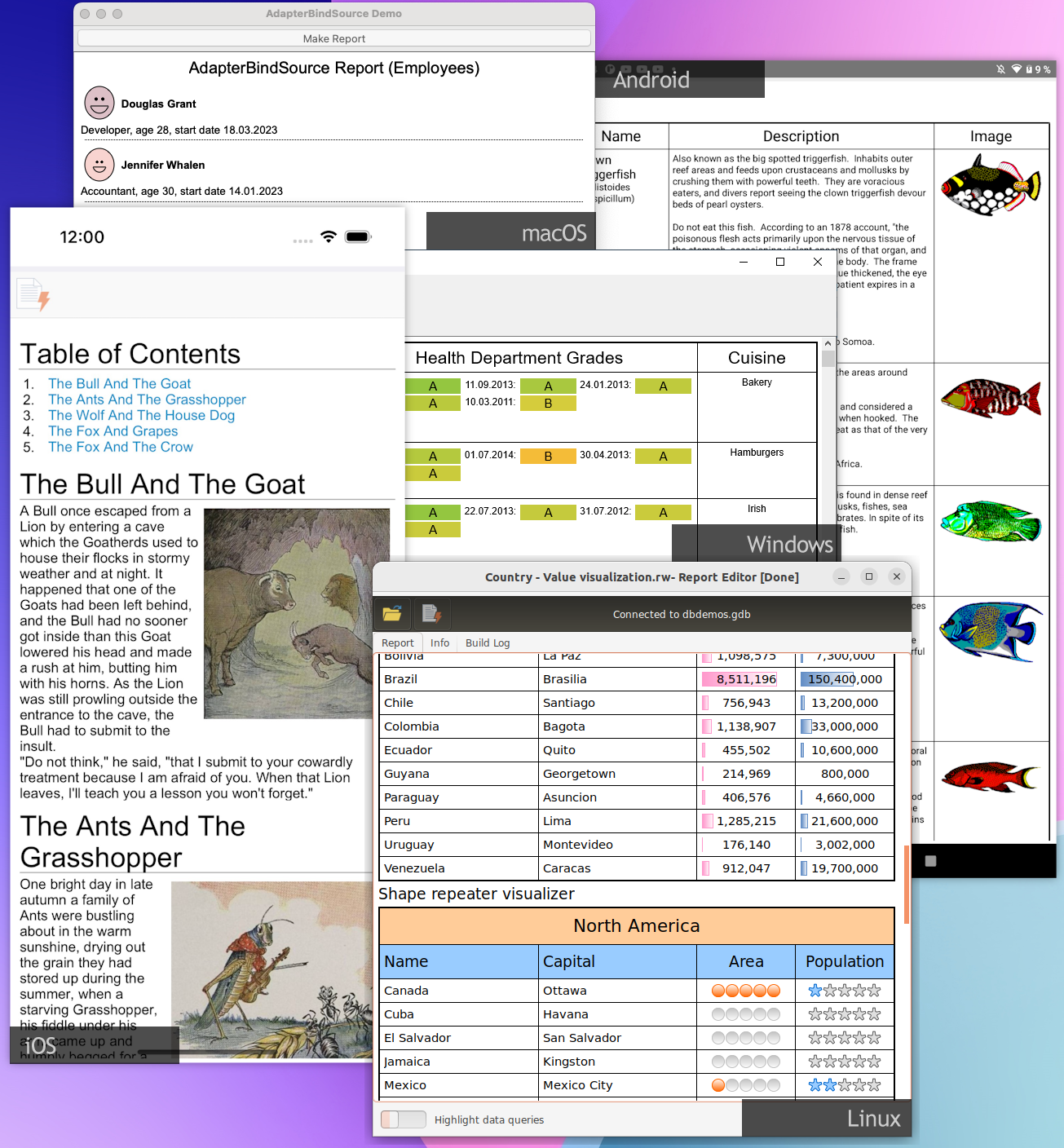
April 15, 2024:
Changes in ReportWorkshop:
- FireMonkey version (all platforms)
- report generation in a background thread
ReportWorkshop version history
Forum Blog
|

February 22, 2024:
Main changes:
- FFmpeg 6 support
- drawing video using OpenGL or Skia4Delphi
- better sound noise reduction
- new demo projects
Forum Blog
|

November 26, 2023:
Main changes:
- Compatibility with Delphi and C++Builder 12 Athens
- More properties for local cameras in Linux (PTZ, exposure, focus, etc.)
- Improved efficiency
Forum Blog
|
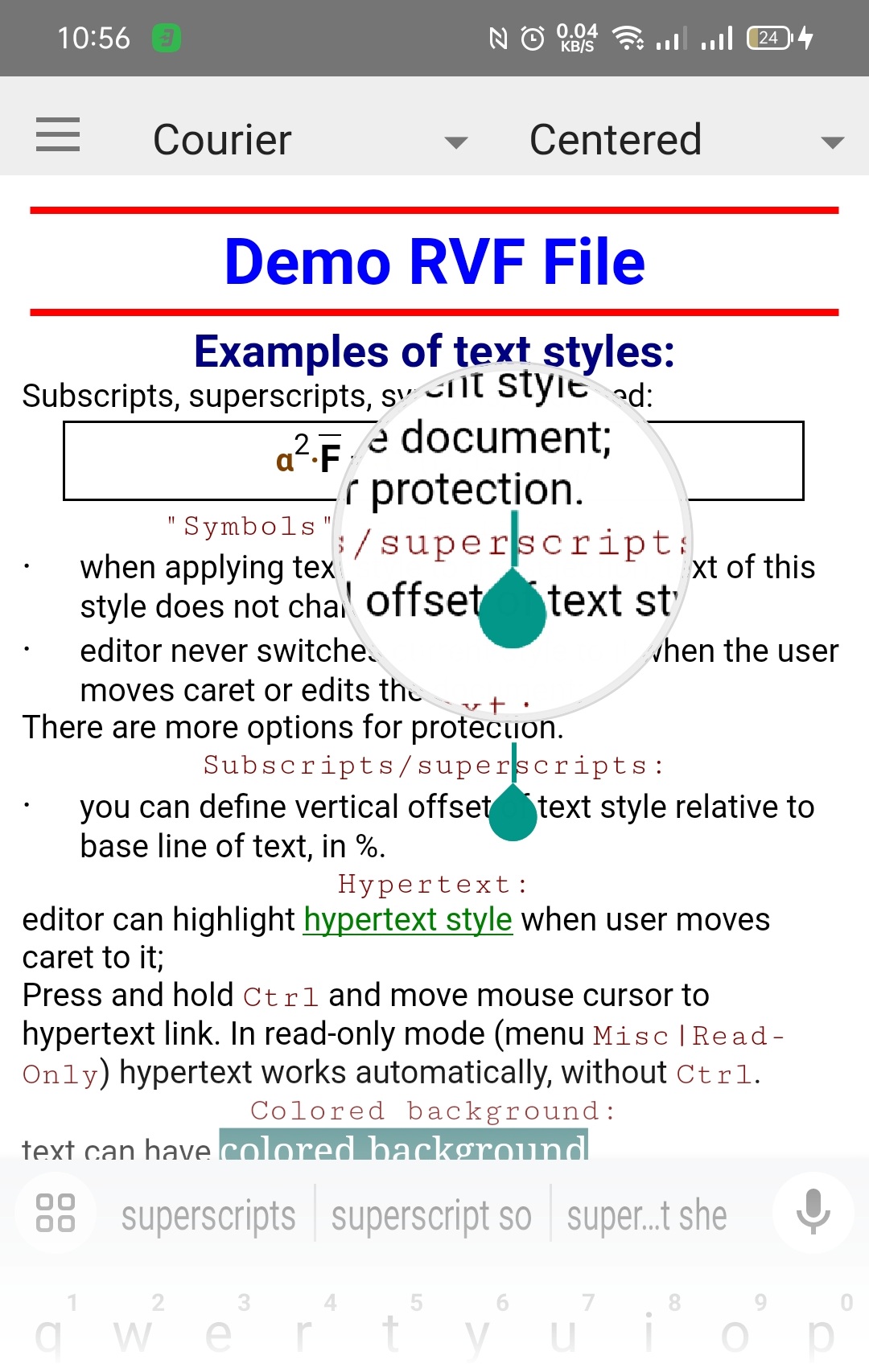
November 22, 2023:
Main changes since the last update:
- Compatibility with Delphi and C++Builder 12 Athens
- Compatibility with Skia (Skia4Delphi), including insertion of SVG images and PDF export
The complete lists of changes since TRichView v21.0
Forum Blog
|

September 14, 2023:
Changes:
- ReportWorkshop supports Lazarus (Windows platform). All our components are ported to Lazarus.
- decimal tabs
Forum Blog
|
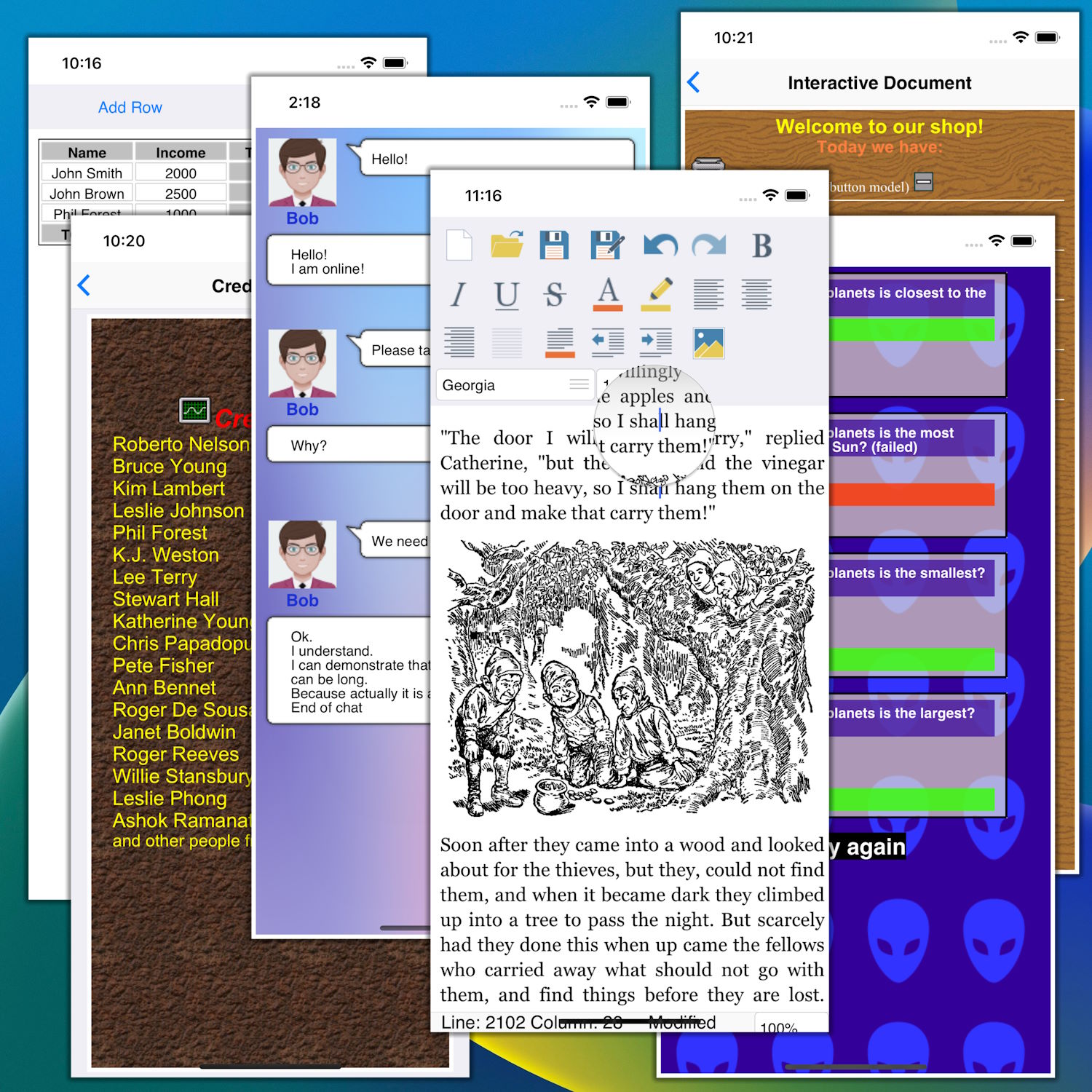
August 25, 2023:
TRichView supports iOS platform in Delphi 10.4 and 11.x.
Forum Blog
|

July 7, 2023:
RVMedia supports Linux FireMonkey platform in Delphi 10.3, 10.4, and 11.x.
Improvements in sound and networking features
Forum Blog
|

April 28, 2023:
TRichView supports Linux platform in Delphi 10.3, 10.4, and 11.x.
Forum Blog
|
|
February 20, 2023:
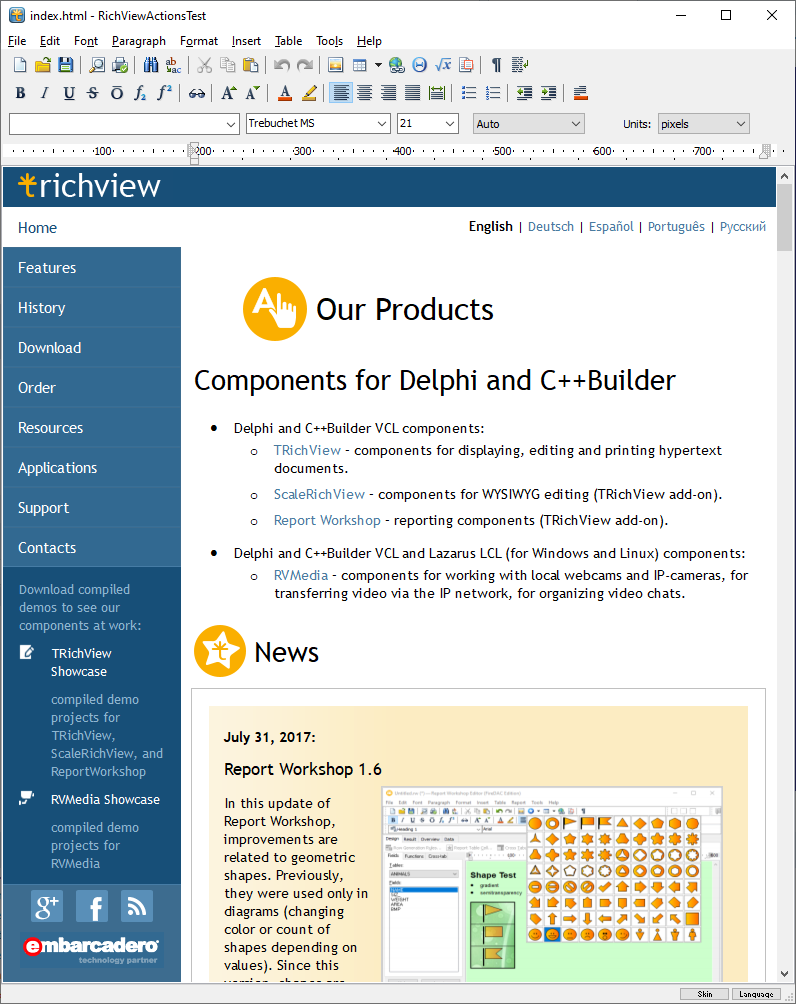
Main changes since the last update:
- HTML:
- HTML import
- reworked HTML export
- using HTML in data-aware and reporting components, and in integration with third-party libraries
- improvements in Report Workshop:
- a wizard dialog for generation of master-detail reports
- a dialog for “dataset to report table” conversion
- improved processing of empty values
- named cells of report table
The complete lists of changes since TRichView v20.0:
About TRichView update: |
Forum Blog |
About ReportWorkshop update:
(including video demonstrations) |
Forum Blog |
|
History of development >
 Our Components on The Web Our Components on The Web
|
|
|